Stop Editing.
Start Designing.
You are just moving pixels. Move beyond random YouTube tricks. Master the engineering of aesthetics in 7 weeks.

The Amateur Trap
The "Tool Collection"
- "I memorized 50 shortcuts but can't design."
- "I used the Eraser tool and ruined the file."
- "I just copy-paste templates."
The "Design Discipline"
- Visual Hierarchy: Controlling the eye.
- Non-Destructive: Fearless editing.
- Real World: Print vs Web logic.
Course Objective
By the end of this course, you will not just "know Photoshop". You will be able to create professional designs independently, manage complex files, and solve visual problems without guessing.
7 Steps to Competence
Introduction & Design Basics
Remove fear. Understand pixels vs vectors, resolution (DPI), and setting up a pro workspace.
Core Tools & Layer Management
The backbone of Photoshop. Layer hierarchy, grouping, and Smart Objects. Stop editing on the background layer.
Image Editing & Color Correction
Natural editing. Master Curves, Levels, and Adjustment Layers to fix lighting without destroying pixels.
Retouching & Object Removal
Ethical retouching. Healing Brush, Clone Stamp, and Content-Aware Fill. Clean images while maintaining realism.
Text, Shapes & Layout
Design fundamentals. Typography hierarchy, alignment, grids, and white space usage.
Effects, Styles & Exporting
Layer Styles (shadows/strokes) and correct export settings (PNG vs JPG vs PDF) for professional delivery.
Final Design Project
Consolidate everything. Plan and build a complete promotional graphic from scratch.
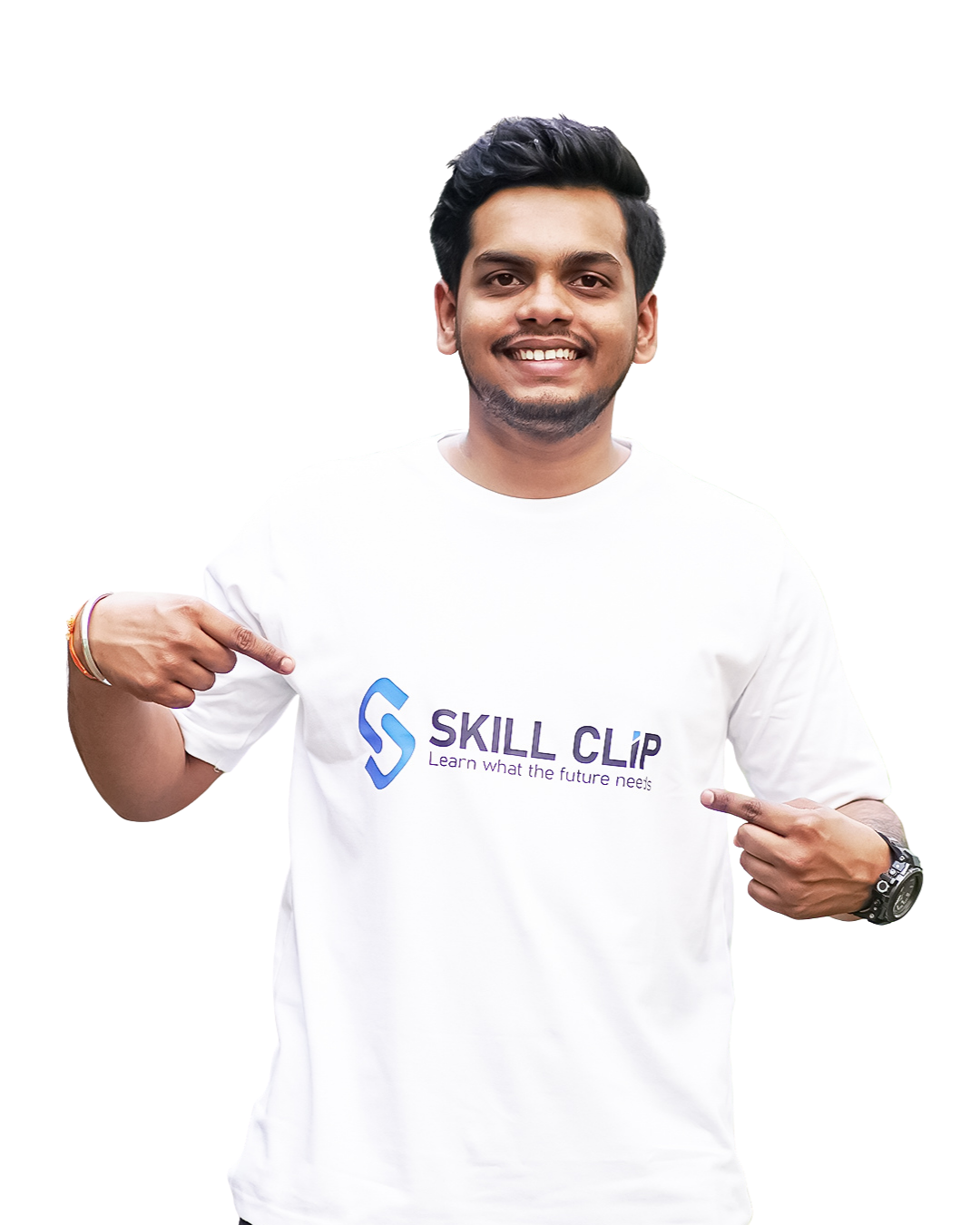
Your Mentor
Shubham Gupta
Creative Head & Visual Specialist
"I don't teach 'cool effects'. I teach you how to build a file so that if a client asks for a change, it takes you 5 minutes, not 5 hours."
Invest in Your Career
Original Price: ₹6,999
SSL Encrypted • 7-Day Refund Policy